Skip to content

Chris' Tutorials · Godot 4

Add the systems your game needs.Without building everything from scratch.

Ready-made Godot plugins for common game systems, with videos and setup guides that show you how they work and how to add them to your project.

Popular plugins

Pick the feature your game needs.

See all plugins →
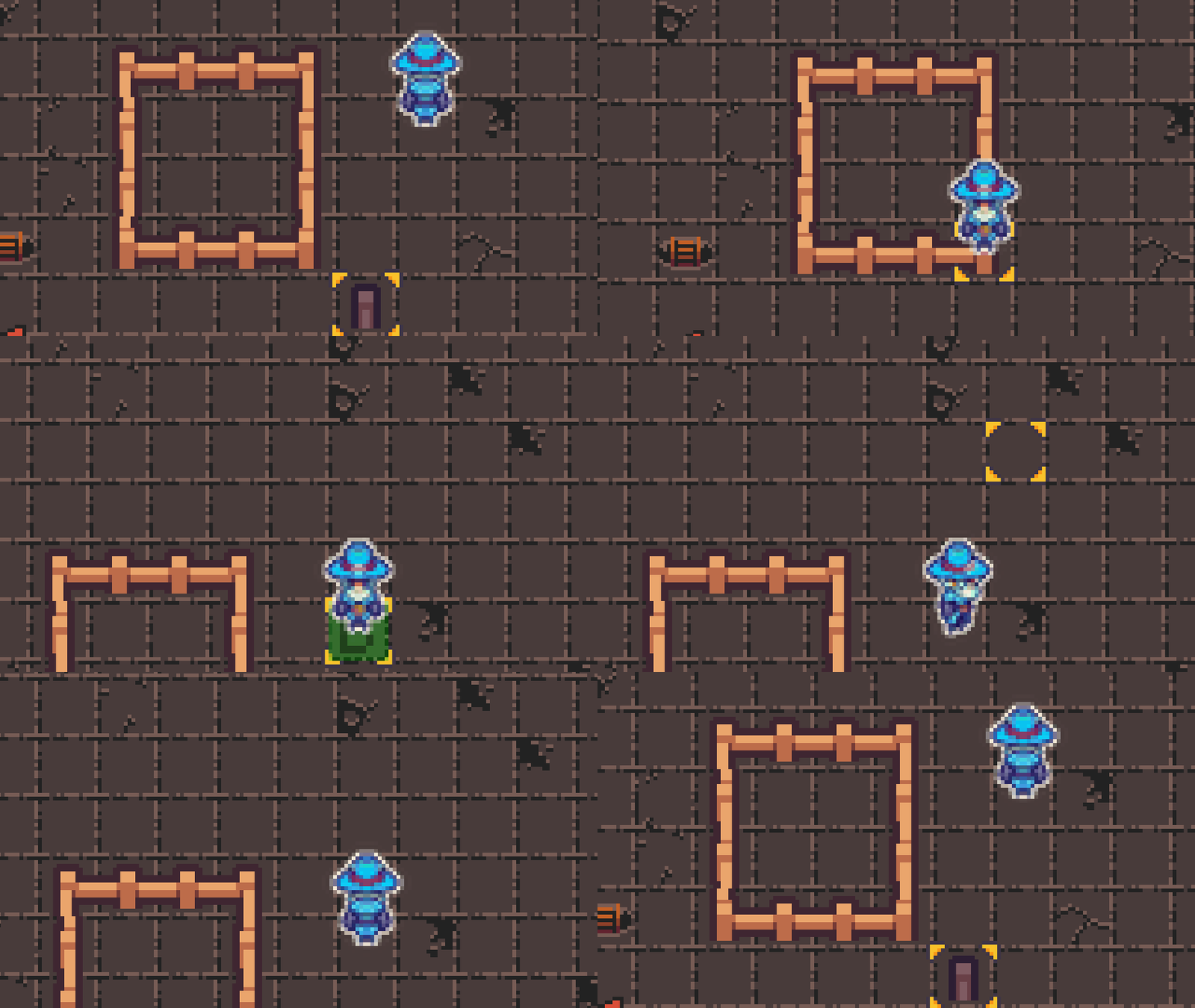
Grid Placement video overview thumbnail
World Building

Grid Placement

Ready to use

Add building placement to your game with grid snapping, previews, rotation, and placement checks already handled.

  • Show players where a building can be placed
  • Snap, rotate, and drag-place buildings on a grid
  • Save and load placed buildings
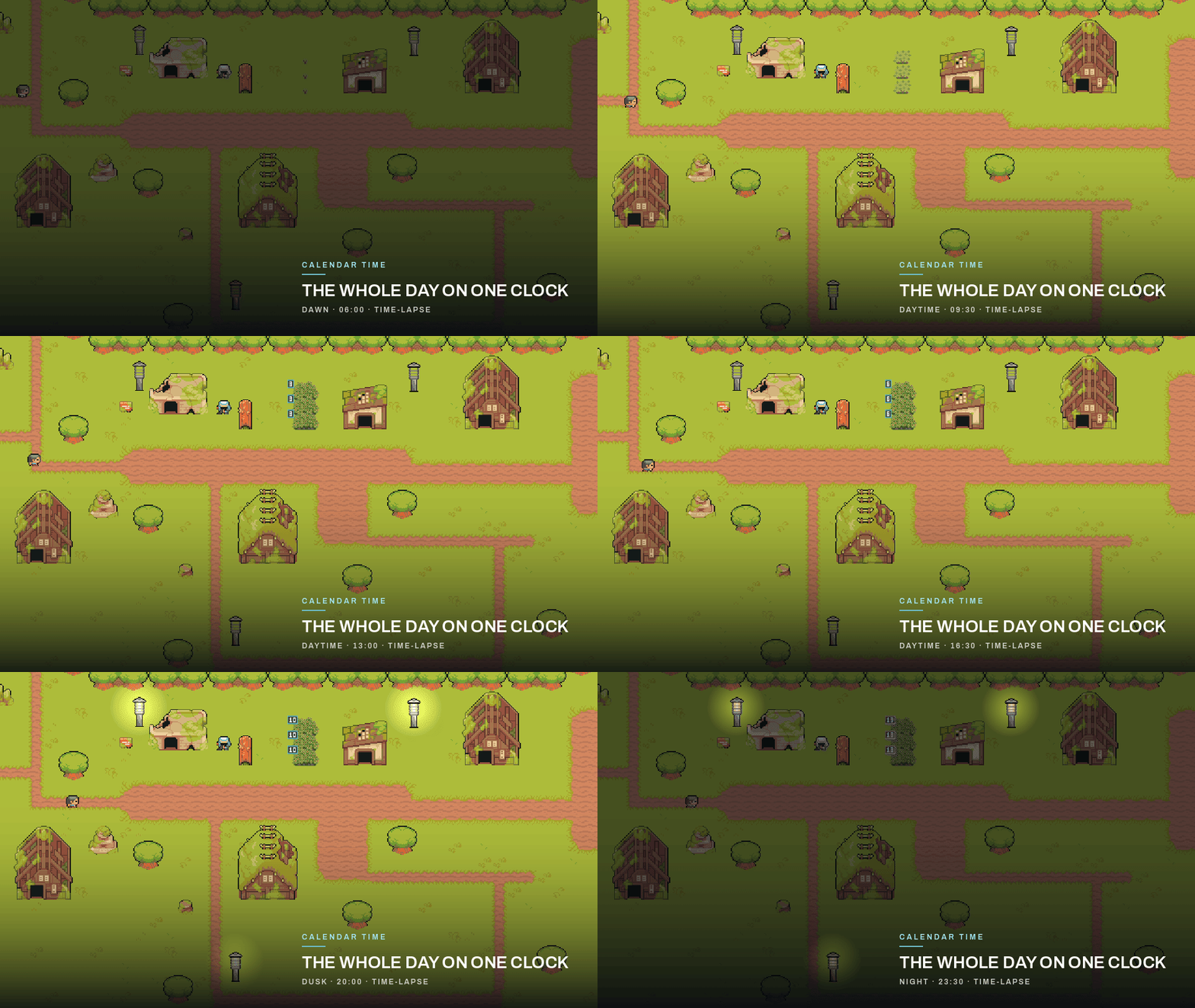
Calendar Time video overview thumbnail
Systems

Calendar Time

Ready to use

Add an in-game clock, calendar, day/night cycle, and time-based gameplay without building the whole system yourself.

  • Run game time, days, seasons, and calendars
  • Drive day/night lighting and time-based events
  • Save and restore the current world time
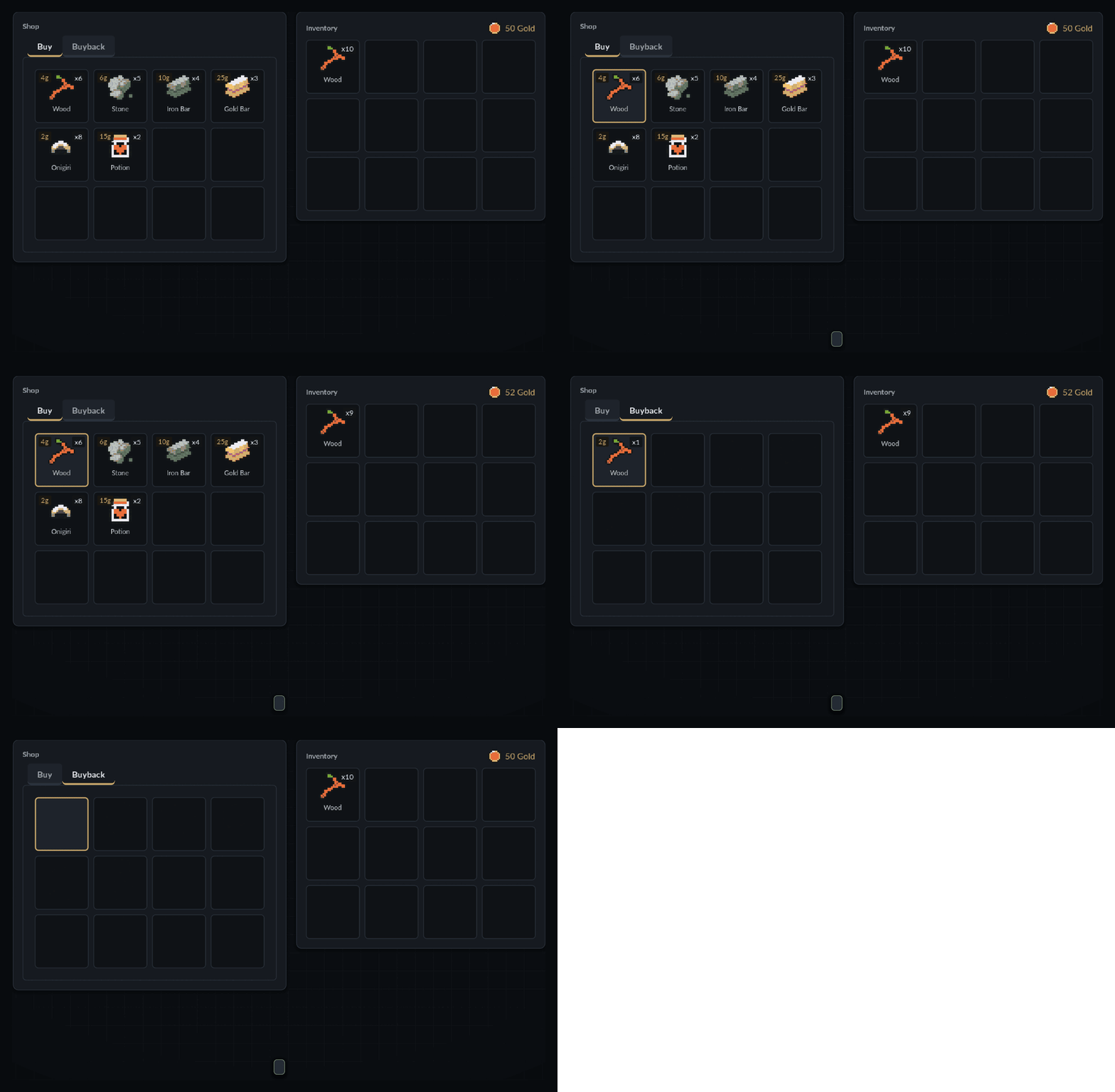
Item Vault video overview thumbnail
Inventory

Item Vault

Ready to use

Add items, inventories, pickups, drops, shops, and saving with one connected Godot system.

  • Create items and player inventories
  • Handle pickups, drops, transfers, and shops
  • Save and load inventory data

Video walkthroughs

See each plugin working before you decide.

Step-by-step setup

Follow clear guides when you add it to your project.

4

Made for Godot 4

Built around current Godot projects and workflows.

+

Use what you need

Pick the system your game needs instead of rebuilding it.

Latest course

Want to learn instead?

Follow a complete Godot project step by step, then choose the platform that works best for you.