Skip to content
← All plugins

World Building · v6.2.0 · Godot 4

Grid Placement

Add a complete 2D and 3D building-placement workflow to your Godot game without rebuilding previews, validation, rotation, drag placement, and save/load from scratch.

$40

★ 5.0/5 on itch.io · 6 ratings


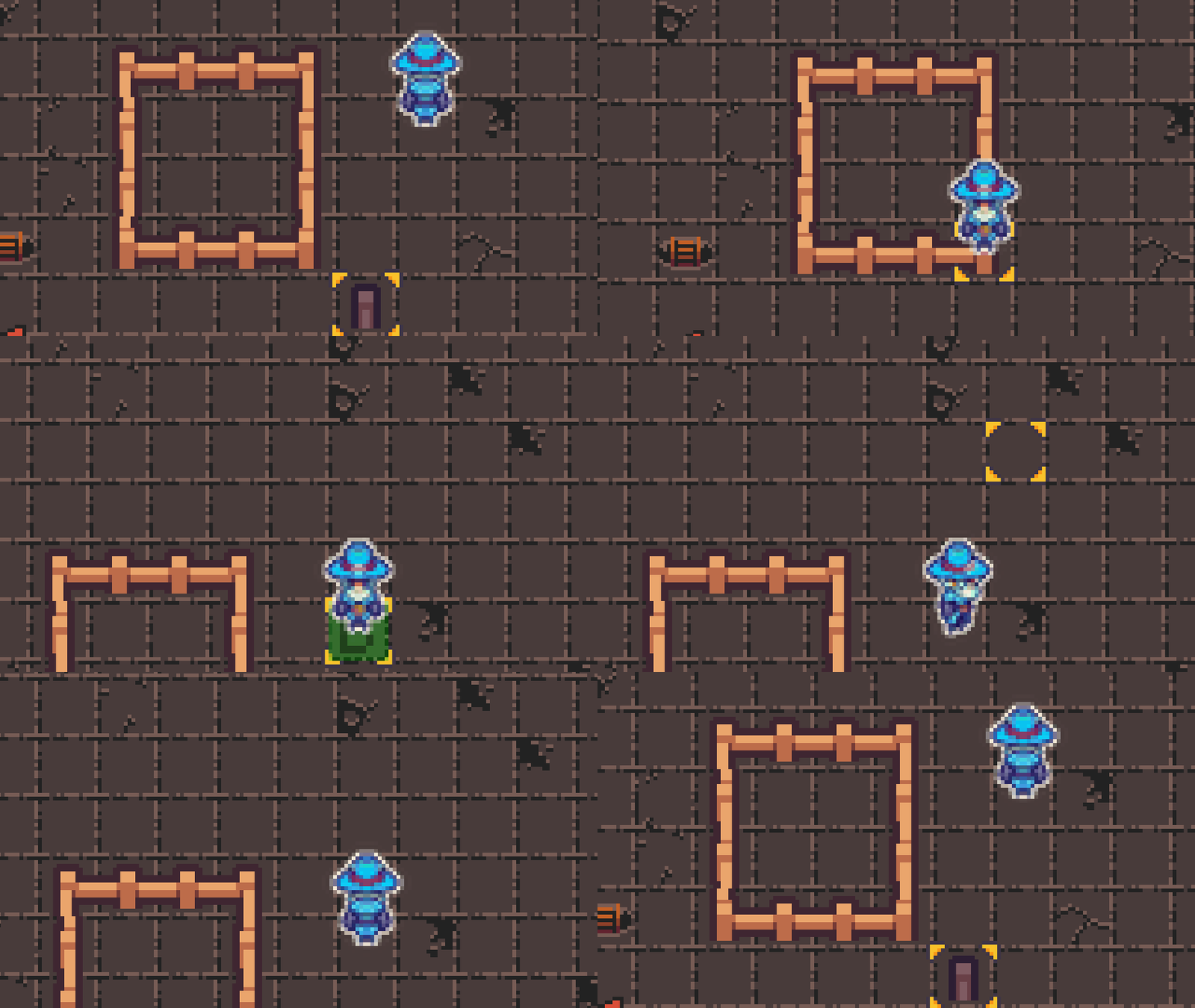
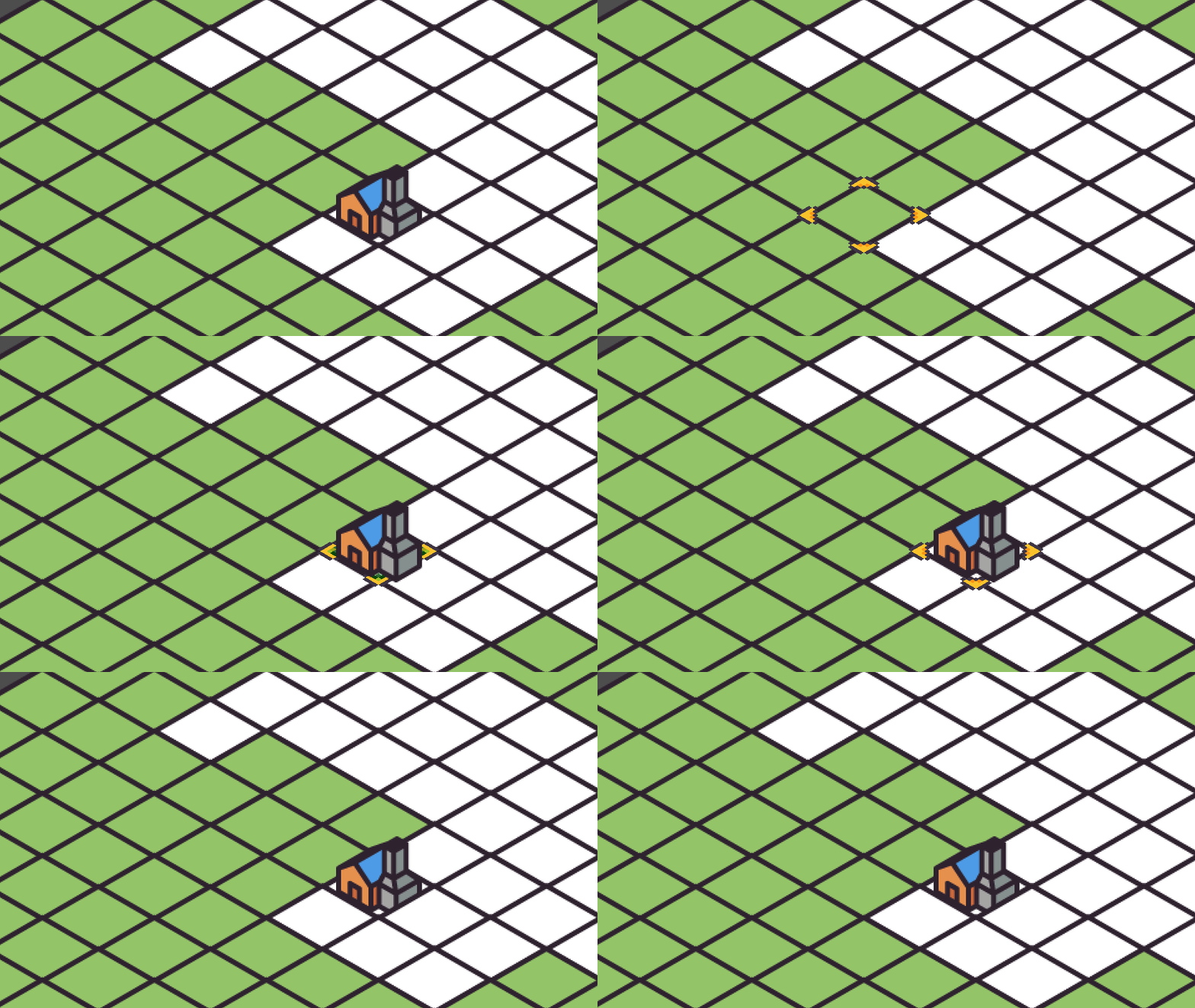
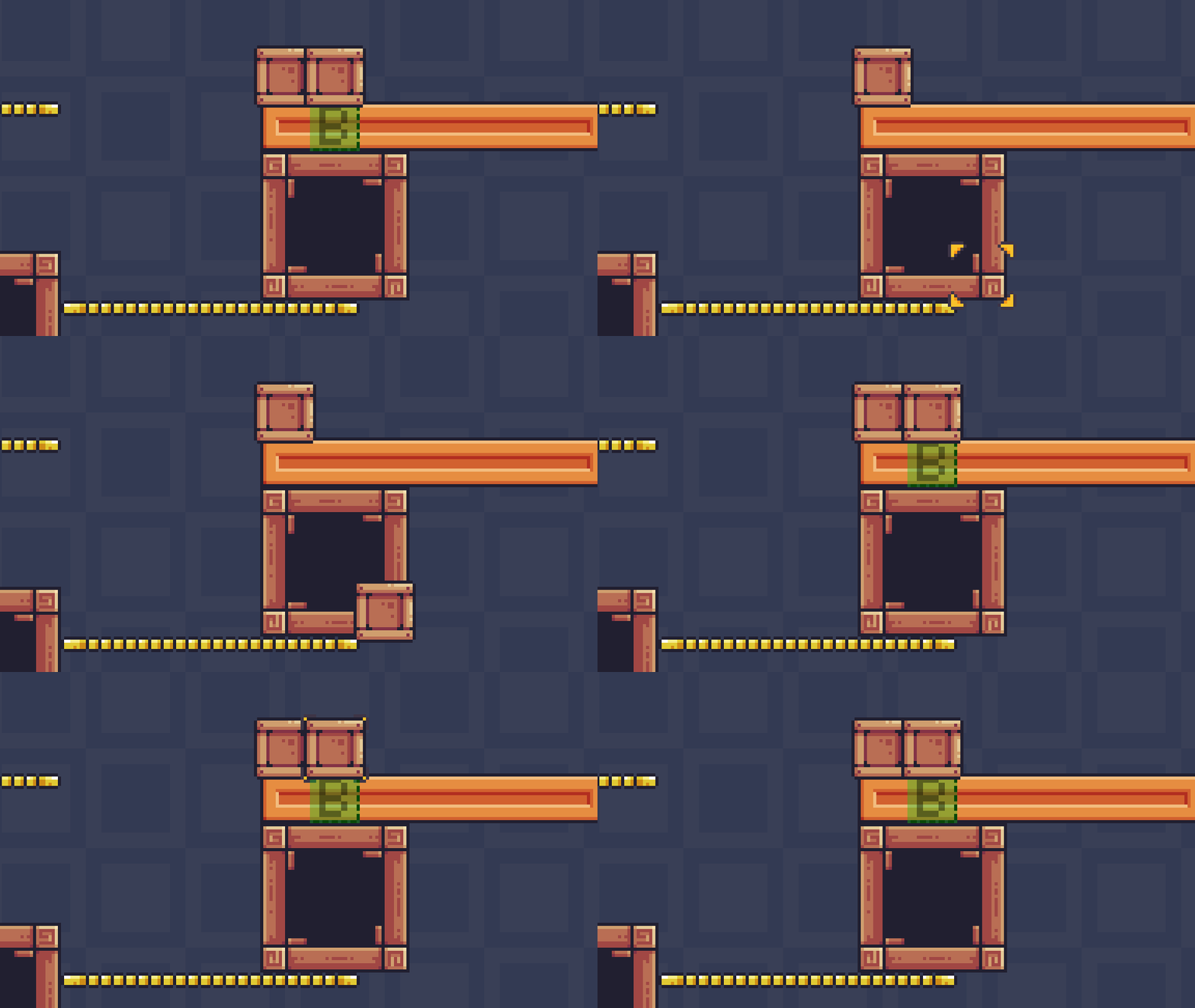
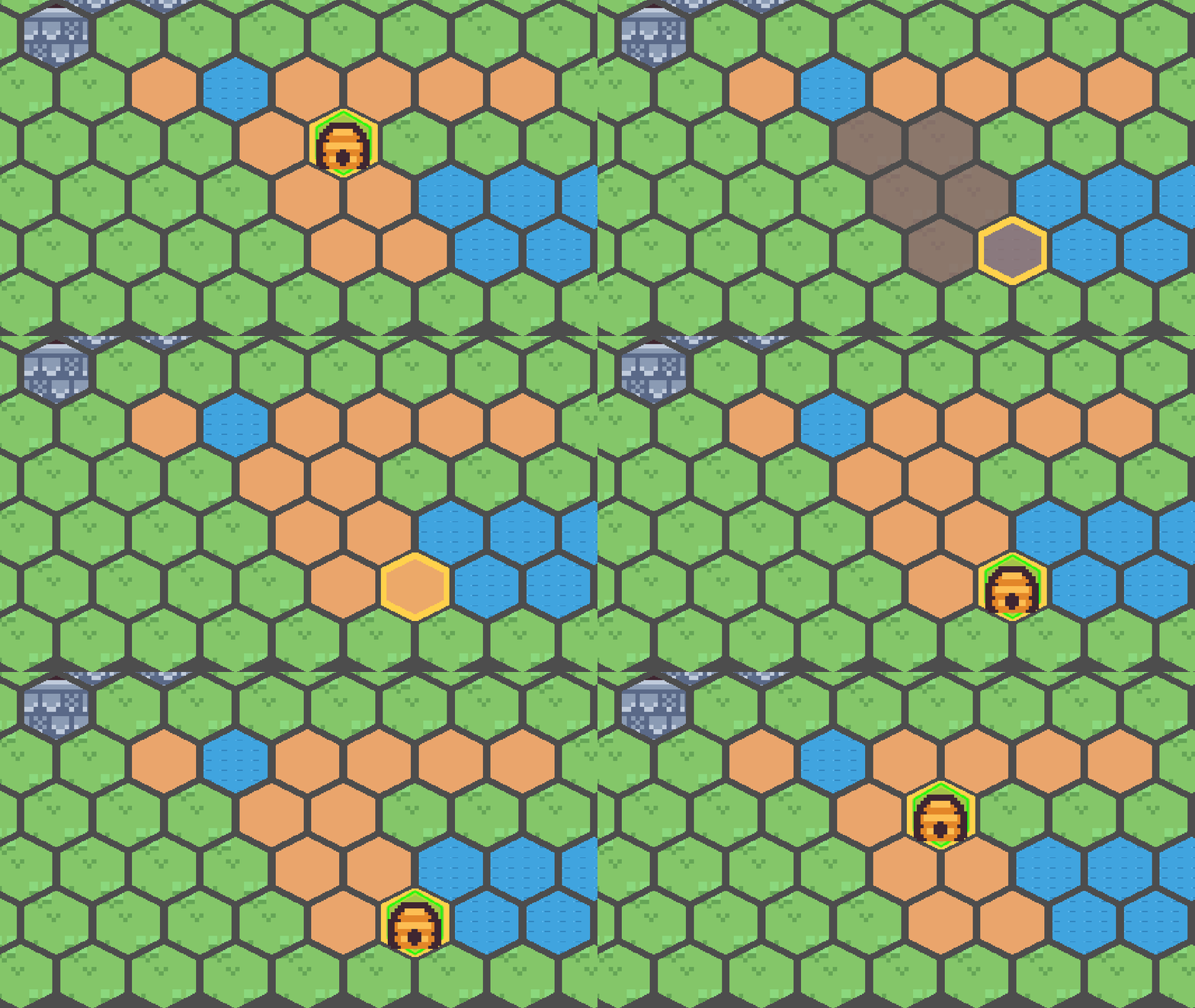
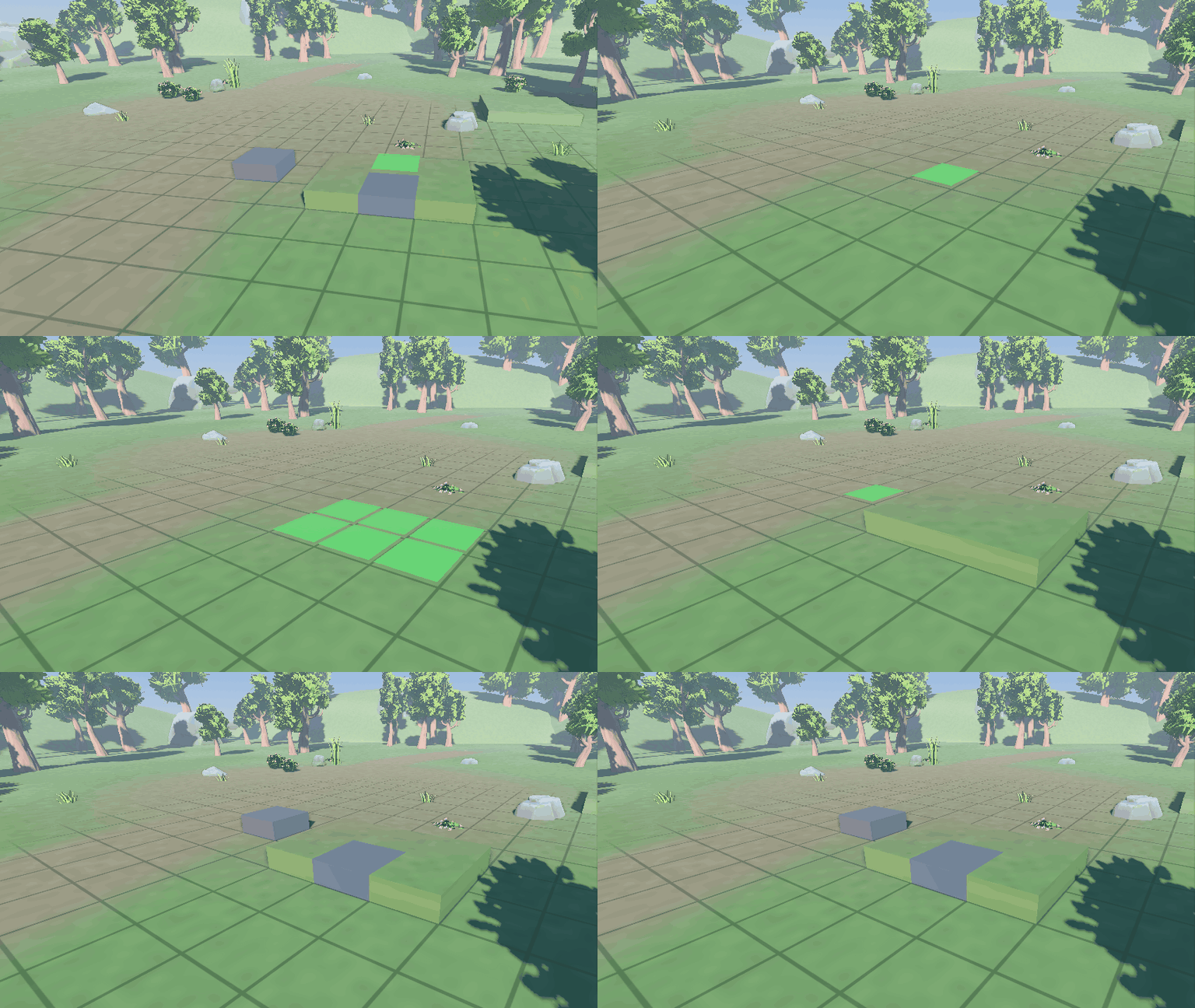
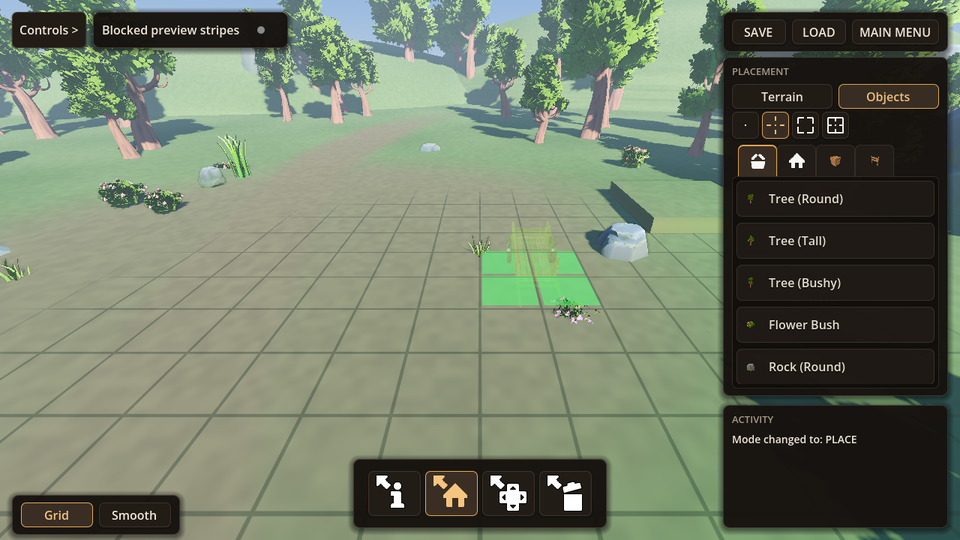
Grid Placement 6.2 hero: 3D house build, top-down, isometric, platformer and hex demos — 2D and 3D placement with live previews
Grid Placement 6.2 in action — 2D and 3D placement with live previews, five playable demos.
  • Full GDScript source included
  • Playable 2D and 3D building demos
  • Setup guides and API reference
  • Commercial game use covered by the included license
Product overviewGrid Placement

What it handles

Start from a working system, then make it yours.

The core workflow is already connected. Extend the parts your game actually needs instead of rebuilding the foundation.

  1. 01Godot 4 build mode with live ghost previews, snapping, rotation, move, and demolish
  2. 02Godot 4 building validation: block bad placements with rules for space, collision, bounds, and your own game conditions
  3. 03Godot 4 2D building: objects that face the right way with per-direction sprites
  4. 04Godot 4 building workflow for 2D TileMapLayer grids and 3D GridMap builds
  5. 05Godot 4 3D building: wall, edge, corner, and roof mounts plus ground support checks
  6. 06Godot 4 terrain building: paint and erase 3D cells, plus 2D brushes for line, rectangle, outline, flood fill
  7. 07Godot 4 build previews that stay readable without relying on red/green color alone
  8. 08Godot 4 drag building: place or paint many tiles and props in one stroke
  9. 09Godot 4 building saves: restore player builds through your game's save system
  10. 10Godot 4 building economy: link costs, unlocks, and demolish refunds to your game's inventory and economy

Evaluate it before you buy

The documentation is public.

Check the setup flow and generated API first. You can verify how the plugin fits your project before spending anything.

Keep up with releases

Follow Chris' Tutorials

Pick the channel you actually use. Plugin releases, demos, and tutorials stay separate from the purchase flow.